The best CMS for a business website is WordPress, for most small and mid-sized businesses. You own the website, you can move it to any host, and you can add a store, a booking system or a second language later without starting again. It is not the right choice for every business, and this guide says where another platform fits better.
A CMS, or content management system, is the software you sign in to when you want to change your website: add a page, replace a photo, publish an article. We have designed and built websites at Altin Design since 2006, and today we build them on WordPress, so read our view with that in mind. The figures in this guide were read in November 2026.
What a CMS is, and the two kinds you can choose
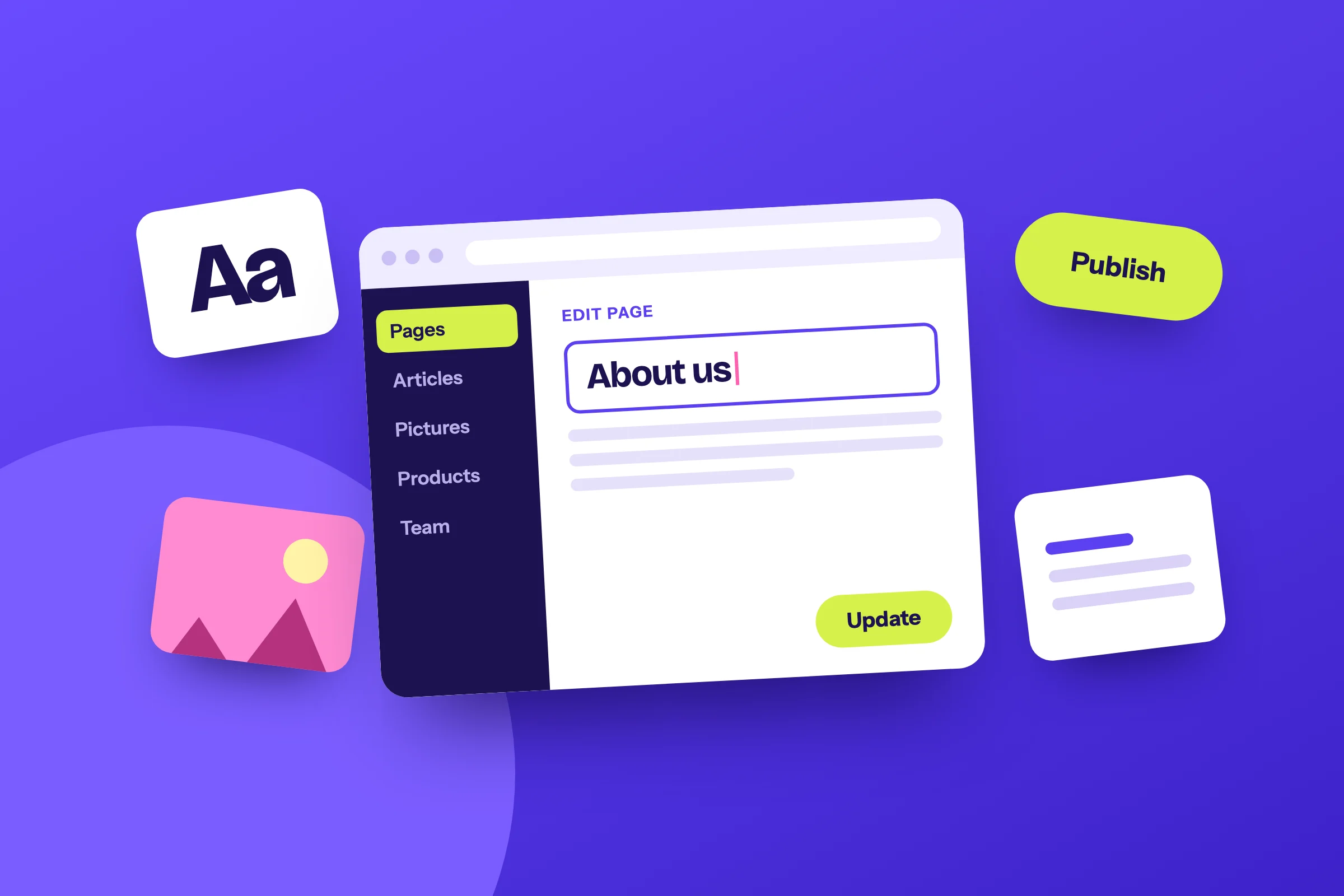
Without a CMS, every change to a website is a change to its code. With one, your team types into a screen that looks like a form, presses a button, and the page is updated. Every platform in this guide does that. They differ in something more basic: where the website lives and who owns it.
A hosted platform, such as Wix, Squarespace, Shopify or Webflow, is rented. The software, the hosting and your website are one product, paid by the month. An open-source CMS, such as WordPress, is free software that you install on hosting you choose. The website is a set of files and a database that belong to you.
Rented
A hosted platform
Wix, Squarespace, Shopify, Webflow
- Where it runsOn the platform’s own servers, and only there.
- What you payA monthly plan, for as long as the website is online.
- Who updates itThe platform. There is nothing for you to do.
- What you can addWhat the platform and its app store offer.
- If you leaveYou take some content with you and build the website again.
Owned
An open-source CMS
WordPress, Joomla, Drupal
- Where it runsOn any host you choose, and you can change host.
- What you payThe software is free. You pay for hosting and for the build.
- Who updates itYou, or the people who look after the website.
- What you can addAlmost anything: a plugin where one exists, custom work where not.
- If you leaveYou take the whole website with you.
Neither kind is better in itself. Renting is simple, and it is the right start for many businesses. Owning asks for more attention and gives more freedom. The rest of this guide is about which of the two your business needs.
Which CMS do most websites use?
WordPress, by a wide margin. In November 2026, W3Techs, which surveys the technology behind websites, reports that WordPress runs 38.5% of all websites. Among the websites whose CMS it can identify, that is a share of 57.5%. Shopify follows with 5.5% of all websites, then Wix with 4.2% and Squarespace with 2.4%.
WordPressOpen source
38.5%
ShopifyHosted store platform
5.5%
WixWebsite builder
4.2%
SquarespaceWebsite builder
2.4%
JoomlaOpen source
1.0%
WebflowHosted design tool
0.8%
DrupalOpen source
0.6%
Popularity does not make a platform good. It does make it safe to depend on, for three practical reasons. Many developers and agencies work with WordPress, so you are never tied to one of them. Most hosting companies support it. And when your business needs a feature, someone has usually built it already as a plugin, an extension you add to the website.
The same size has a cost. A platform that runs more than a third of the web is the one attackers study most, so a WordPress website has to be kept up to date. We come back to that below.
The main website platforms compared
Five platforms cover almost every small business website. The table compares them on the points that decide the choice, and the sections under it say what each one is good at and where it stops.
| Kind | You pay | Online store | If you leave | |
|---|---|---|---|---|
| WordPress | Open source, on hosting you choose | Hosting, and the build when someone builds it for you | Yes, with WooCommerce | The whole website moves with you |
| Wix | Website builder, rented | A monthly plan, from $17 | Yes, suited to a small catalog | You build it again elsewhere |
| Squarespace | Website builder, rented | A monthly plan, from $19 | Yes, suited to a small catalog | You build it again elsewhere |
| Shopify | Store platform, rented | A monthly plan, plus a fee on sales with some payment providers | Yes, it is built for it | Products export; the store is built again |
| Webflow | Design tool with hosting, rented | A monthly plan for each website | Yes, suited to a small catalog | Some content exports; the website is built again |
WordPress
WordPress started in 2003 as software for blogs and is now a general CMS: the same system runs a five-page company website, a magazine and a store. It is open source, which means the code is free to use and to change. No company can take it away from you or raise its price.
Its strength is that the website is yours and has no ceiling. Pages, articles, staff profiles, properties, courses, products: each kind of content gets its own editing screen. An online store is added with WooCommerce, a free WordPress plugin with more than 7 million active installations. A second language, bookings or an area behind a login can be added to the same website later.
Its weakness is that someone must look after it. WordPress, its plugins and its theme, the code that sets the design, receive updates, and those need installing and testing. A WordPress website put together from a cheap ready-made theme and twenty plugins is slow and fragile. A WordPress website designed and built for one business is neither, but it costs more than a builder at the start.
Wix and Squarespace
Both are website builders. You choose a template, replace its text and pictures, and pay by the month: from $17 a month on Wix and from $19 on Squarespace, billed yearly, in November 2026. Hosting, security and updates are included, and there is nothing to install.
They suit a business that needs a few pages soon, with an owner who is happy to build them. The limits appear as the business grows. You get the features the platform offers and no others. Your design starts from a template that other businesses use. And the website cannot be moved: if you outgrow the platform, you copy out the text and build the website again.
Shopify
Shopify is a rented platform built for one job, selling online, and it does that job well. Products, checkout, payment and order emails work on the first day, and Shopify keeps the software running. For a business that is a store and nothing else, with nobody to look after a website, it is a sound choice.
The costs to know are the monthly plan, the paid apps most stores end up adding, and an extra fee of 0.6% to 2% of each sale, by plan, when you take payment through a provider other than Shopify’s own. Content beyond the store, such as service pages or a large library of articles, is more limited than on a general CMS. We compare the two in WooCommerce vs Shopify.
Webflow
Webflow is a design tool, a CMS and hosting in one rented product. A designer builds the layout visually, with fine control, and the team then edits the text and the collections of content, such as articles or case studies. It suits a company with a designer in the team and a marketing website that changes often.
It is less suited to an owner who wants to build alone, because the design tool takes time to learn. The website runs on Webflow’s hosting, and what can be taken out is limited, so leaving means a second build here too.
Joomla and Drupal
Both are open-source systems like WordPress, with smaller shares: 1.0% and 0.6% of all websites. Drupal is at home in large organizations that have their own developers. For a small or mid-sized business, the smaller number of developers, plugins and guides makes either one harder to live with than WordPress.
How to choose the best CMS for a business website
Start from the business, and the platform follows. These are the situations we hear most often, each with the platform we would choose in that place.
A new business that needs a few pages this month, on a small budget
Wix or SquarespaceBuild it yourself, move later
An established business whose website brings in its inquiries
WordPressDesigned and built for you
A store, services and articles on one website
WordPress with WooCommerceOne website for all of it
A store and nothing else, with nobody to look after software
ShopifyRented, ready on the first day
A marketing team with its own designer
WebflowFine control over the layout
A website in two or more languages
WordPressEach language at its own address
If two rows describe you, choose for the one that will matter in three years. A business that is small today and plans a store, a second language or a second office is better served by the platform it will not outgrow.
Seven questions to ask before you choose a CMS
Whatever platform you lean toward, put these seven questions to it, or to the person who proposes it. The answers show the real differences faster than a list of features does.
Ask of any platform
- Can my team change text and pictures without help?
- Can it do what the business needs in three years?
- What does it cost each year, with every add-on?
- Who installs updates and keeps it secure?
- Can the website move to another host?
- Can I find another developer for it?
- What do I keep if I leave?
Three of these decide more than the others.
Editing: can your team change it alone?
The purpose of a CMS is that everyday changes need no developer. Ask to see the editing screen before you decide, and try one change yourself: replace a sentence, swap a picture, add a team member. On a well-built website the layout stays intact whatever you type. On a poorly built one a small edit can break the page, whichever platform is underneath.
Cost: what does it cost over three years?
Compare platforms over three years, because the first year misleads. A builder is cheap at the start and is paid for as long as the website exists. A WordPress website costs more to build and less to keep: a domain name and hosting, or a care plan that includes hosting, updates and changes. Our guide to what a website costs sets out both, with real prices.
Leaving: what do you keep?
Ask this before you start, while the answer costs nothing. On a rented platform you keep your text, your pictures and, in a store, a file of your products. The design and the website itself stay behind. With WordPress you keep everything: the files and the database can be copied to any host. When we host a website, the client can have a full backup of it whenever they ask.
When WordPress is the wrong choice
We build on WordPress and still advise against it in some cases. It is the wrong choice when:
- The budget is under $1,500 and the website has a few pages. A builder gives a new business a presentable website for a small monthly cost. Spend the difference on the business.
- Nobody will look after it. A WordPress website that is never updated becomes a risk. If you want no upkeep at all, rent a platform that does the upkeep for you.
- You only sell products and want to open this week. Shopify opens a store faster than any website built to order.
- Your own designer wants to build it without code. Webflow gives a designer direct control over every detail of the layout.
What WordPress asks of you
Owning a website means looking after it. Three jobs come with WordPress, and each can be done by you or handed over.
- Hosting. The website needs a server to run on. Good hosting decides much of its speed, and it is where the backups are made.
- Updates. WordPress and its plugins release updates through the year. They are installed regularly and tested, so that nothing breaks.
- Security. Out-of-date plugins and weak passwords are the usual way in. Updates, backups and a careful choice of plugins close most of those doors.
This is the work our care plans cover, from $99 a month: hosting, daily backups, updates, security and uptime monitoring, with time each month for changes. How the website is built matters as much. A theme written for one website needs no page builder and few plugins, so there is less to update and less to go wrong.
Can you change your CMS later?
Yes, but a website does not move between platforms the way a file moves between folders. Each platform stores pages in its own way. A website on Wix, Squarespace, Shopify or Webflow is built again on the new platform, with the same design, pages and content, as close as the new platform allows.
What must not be lost in a move is the addresses. Every page that people and search engines already know should keep its address. Where an address cannot be kept, a redirect, a permanent forwarding instruction, sends visitors from the old address to the new one.
With us, a move to WordPress from another platform starts at $1,000. A store’s products are sent as a spreadsheet and imported, so nobody types them again. If you are choosing a first platform today, remember that a move later is a second build, and count it when the cheaper option looks tempting.
What a WordPress website costs with us
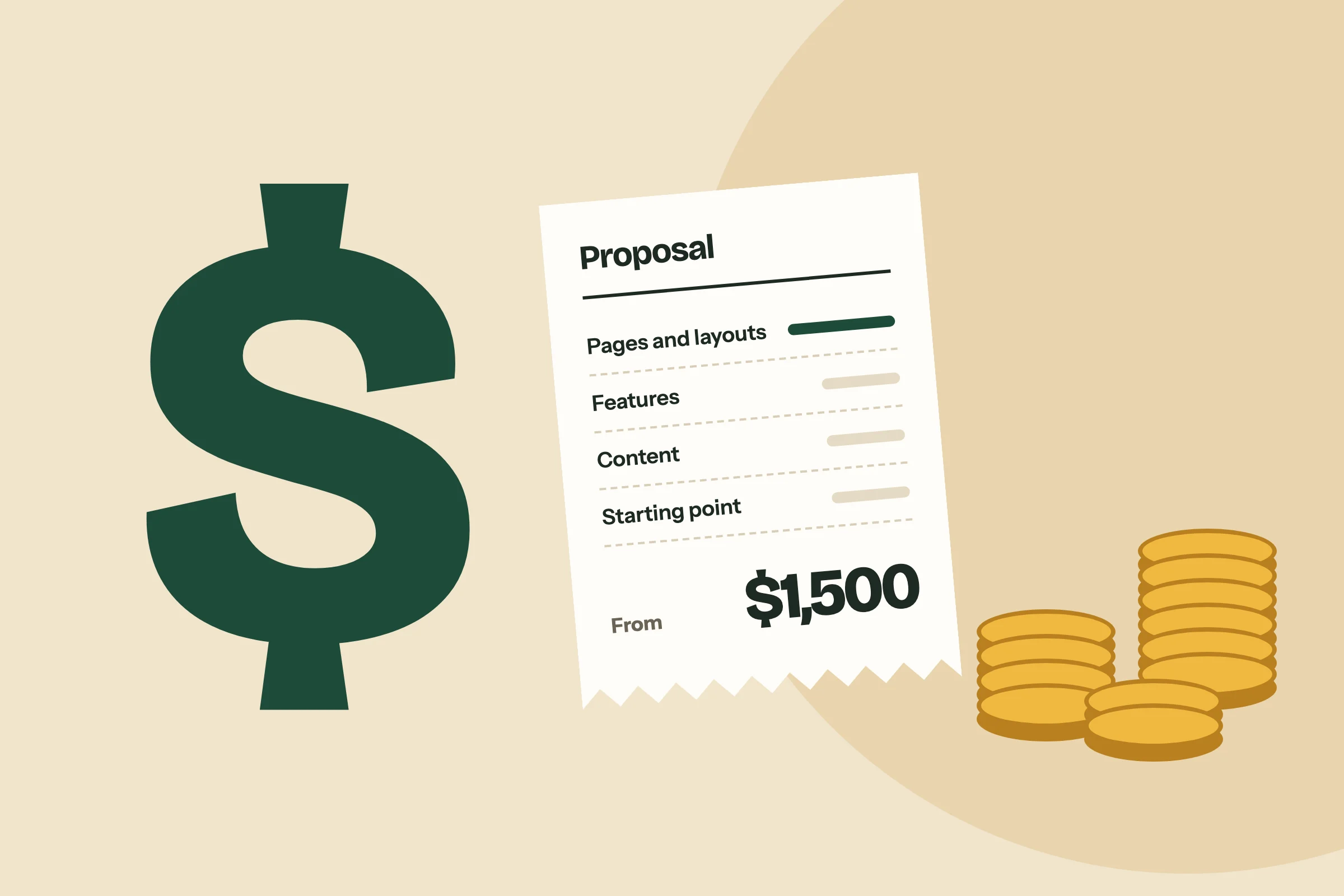
A WordPress website designed and built by us starts at $1,500 for up to 6 pages, $3,500 for up to 15 pages, and $5,500 for larger websites and online stores. Every project includes a design made for your business, a website your team can edit without breaking the layout, and a one-hour training session at launch. The design, the code written for you and the content are yours.
Most websites take 6 to 8 weeks once your content is ready. Our WordPress web design page shows how a project runs, step by step.
Questions about choosing a CMS
WordPress is the best CMS for most small business websites, because the business owns the website, can move it to any host and can add features as it grows. A new business with a few pages and a small budget is often better served by a website builder such as Wix or Squarespace, and can move to WordPress later.
A CMS, or content management system, is the software that lets you change a website without touching its code. You sign in, edit a page in a screen that looks like a form, and publish. WordPress, Wix, Squarespace, Shopify and Webflow are all content management systems. They differ in who owns the website and where it is hosted.
Yes, the WordPress software is free, and it is open source, so anyone may use it and change it. A WordPress website still has costs: a domain name, hosting, any paid plugin licenses, and the design and build when a professional does them. With us, a WordPress website starts at $1,500.
WordPress is secure when it is kept up to date. It runs more than a third of all websites, so it is the platform attackers study most, and out-of-date plugins and weak passwords are the usual way in. Regular updates, daily backups and a small number of well-chosen plugins prevent most problems.
Wix is better for a few pages built by the owner on a small budget, and WordPress is better for a website the business depends on and will grow. Wix includes hosting and upkeep, but the website cannot be moved to another host. A WordPress website is yours, can be moved to any host, and can have almost anything added to it.
Yes. A website on Wix or Squarespace cannot be copied across, so it is built again on WordPress with the same design, pages and content, as close as WordPress allows. With us this starts at $1,000. The old website stays online until the new one is ready.
No, not for everyday changes. Your team adds pages, edits text and replaces pictures in the WordPress editor, without code. A developer is needed to design and build the website well at the start, and for new features later. At launch, a one-hour training session shows your team how to update text and images.
Published . Last updated . Filed under Business Growth.