To plan a website, decide seven things before anyone designs a page: what the website is for, who will visit it, which pages it needs, what each page says, what it must do, what it may cost, and who approves the work. The whole plan fits on two pages, and it is the cheapest part of the project to get right.
This guide shows how to plan a website step by step. One example business is followed all the way through: Oak & Iron, a small workshop that makes furniture to order. We have planned, designed and built websites at Altin Design since 2006, and these are the steps we work through with a client before design starts.
1. Decide the one job of the website
A business website has one main job: to turn a visitor into an inquiry, a booking, an order or a visit to your door. Choose one. The others can exist, but one leads, and it gets the main button on every page.
Write the job as one sentence that begins “A visitor should”. For Oak & Iron it reads: a visitor should ask for a price for a piece of furniture made to order. Every later decision is tested against that sentence. A page or a feature that does not help a visitor do it can wait.
Decide now what you will count after launch. For most businesses it is the number of inquiries in a month. You cannot know the number yet, and you do not need to. You only need to agree what success is measured by.
2. Describe your visitors and their questions
List the two or three kinds of people who will visit, and under each write the questions they arrive with. Their age and income matter less than their questions. Oak & Iron has two kinds of visitor:
- A homeowner furnishing a dining room asks: What do you make? What does a table cost? How long does it take? Can I see pieces you have made?
- An interior designer buying for a client asks: Can you work from my drawing? Which woods and finishes do you offer? Do you deliver?
These questions are the content plan. A website that answers them in the visitor’s own words, in the order they are asked, does its job. You already have the list: it is in the emails and calls you receive, and in what customers ask before they buy.
Then open the websites of three competitors and read them as a customer would. Note which of the questions they answer and which they leave out. The gaps are your opening. Their design is not yours to copy.
3. Choose the pages
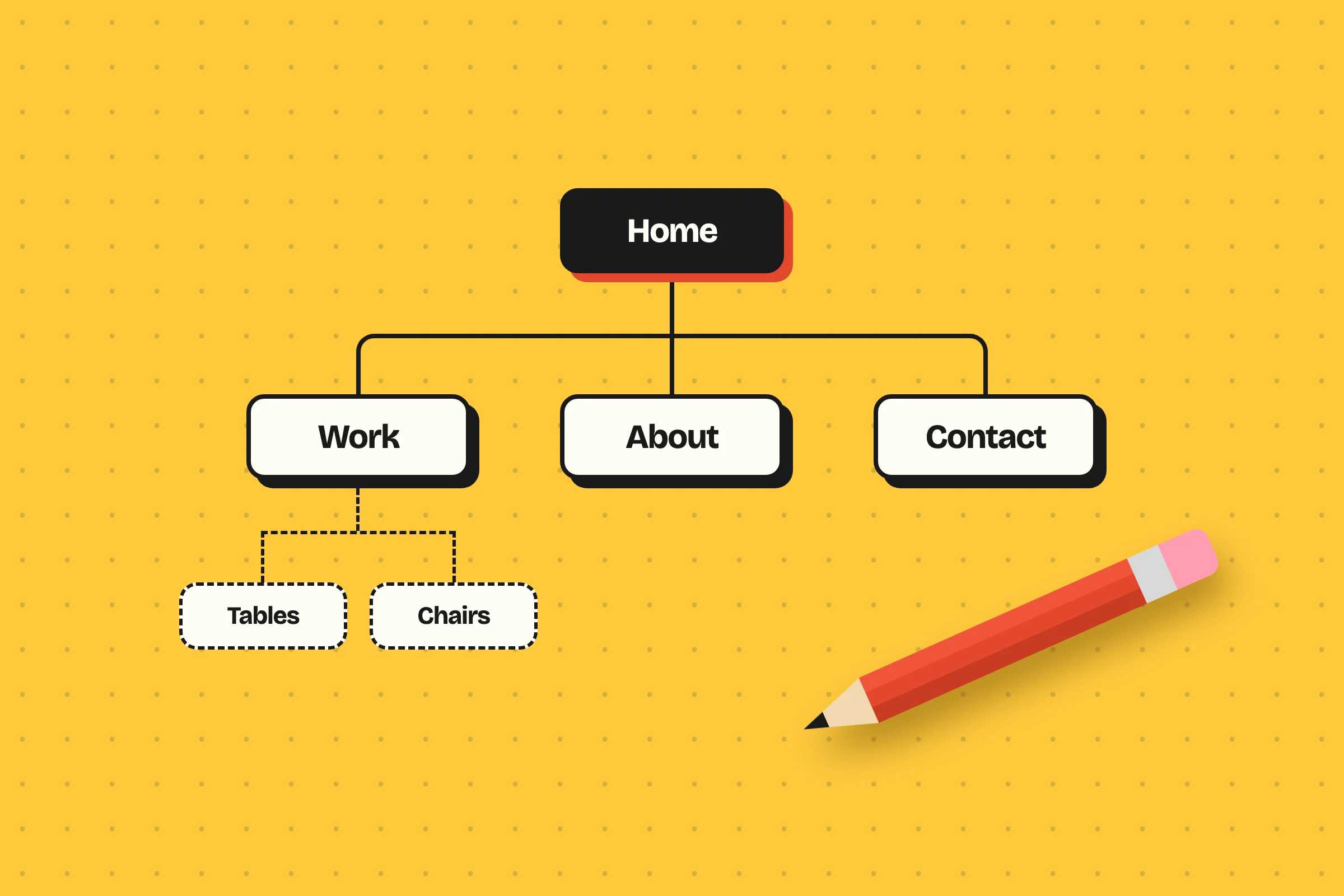
A sitemap is the list of a website’s pages and how they connect. Start small. Each page should answer at least one question from step 2, and a page that answers none is not needed yet.
HomeWhat we make, for whom, and one button
FurniturePieces we have made, with sizes and prices
- Tables
- Chairs
- Shelving
Custom ordersHow an order runs, and how long it takes
About the workshopWho makes the furniture, and where
JournalGuides to woods, sizes and finishes
ContactThe price request form, the address, the hours
Give every page a reason and a next step. A visitor rarely arrives on the homepage and reads in your order. Most land on one page from a search, so each page must make sense alone and lead somewhere.
| Page | The question it answers | It leads to |
|---|---|---|
| Home | What do you make, and is it for me? | Furniture, or the price request |
| Furniture | What have you made, and what does it cost? | Custom orders |
| Custom orders | How does ordering work, and how long does it take? | The price request |
| About the workshop | Who makes it, and can I trust them? | Furniture |
| Journal | Which wood, size and finish should I choose? | Furniture |
| Contact | How do I reach you, and where are you? | The form |
Count the kinds of page, because they set the price. Twenty journal articles share one layout, and five pages that each look different are five designs. Our guide to what a website costs explains why. Keep the menu short as well: five or six items are enough for most small businesses.
4. Plan what each page says
For each page, write three lines before any design exists: what the page is for, what goes on it and in which order, and the next step it leads a visitor to. This is a page plan, and it takes a few minutes for each page.
The homepage deserves the most care. Within five seconds a visitor should know what you do, for whom, and what to do next. If your homepage plan cannot say those three things in three short lines, the page will not say them either.
Write the words before the design
A design is made to fit its content. When the design comes first and is filled with placeholder text, the real text never fits: headings run long, sections stay empty, and the work is done twice. So the text comes first, even as a rough draft.
Decide who writes it. Most owners write their own text, because they know the business. If writing is not something you have time for, a professional writer can be arranged, as separate work from the design. Gather these before the project starts:
- The text of each page, written from the questions in step 2.
- Photos of your own work, place and people. They do more for trust than stock pictures.
- Your logo as a file a designer can use, and your colors if you have them.
- Prices, or starting prices, if you will publish them.
- Words from customers, with their permission and their name.
- Contact details and opening hours, exactly as they should appear.
5. List what the website must do
A contact form is part of every website. Everything else is a feature, and features are built and priced one by one: a booking, a payment, an online store, a second language, an area behind a login. List each one by name.
Then mark every feature “at launch” or “later”. A website on WordPress can have a store or a second language added after launch, so the first version only needs what the one job requires. Oak & Iron launches with a price request form that accepts a photo or a sketch. A small store for ready-made pieces is marked “later”.
The features also help you choose what the website is built on. Our guide to the best CMS for a business website compares the main platforms.
6. Set the budget and the timeline
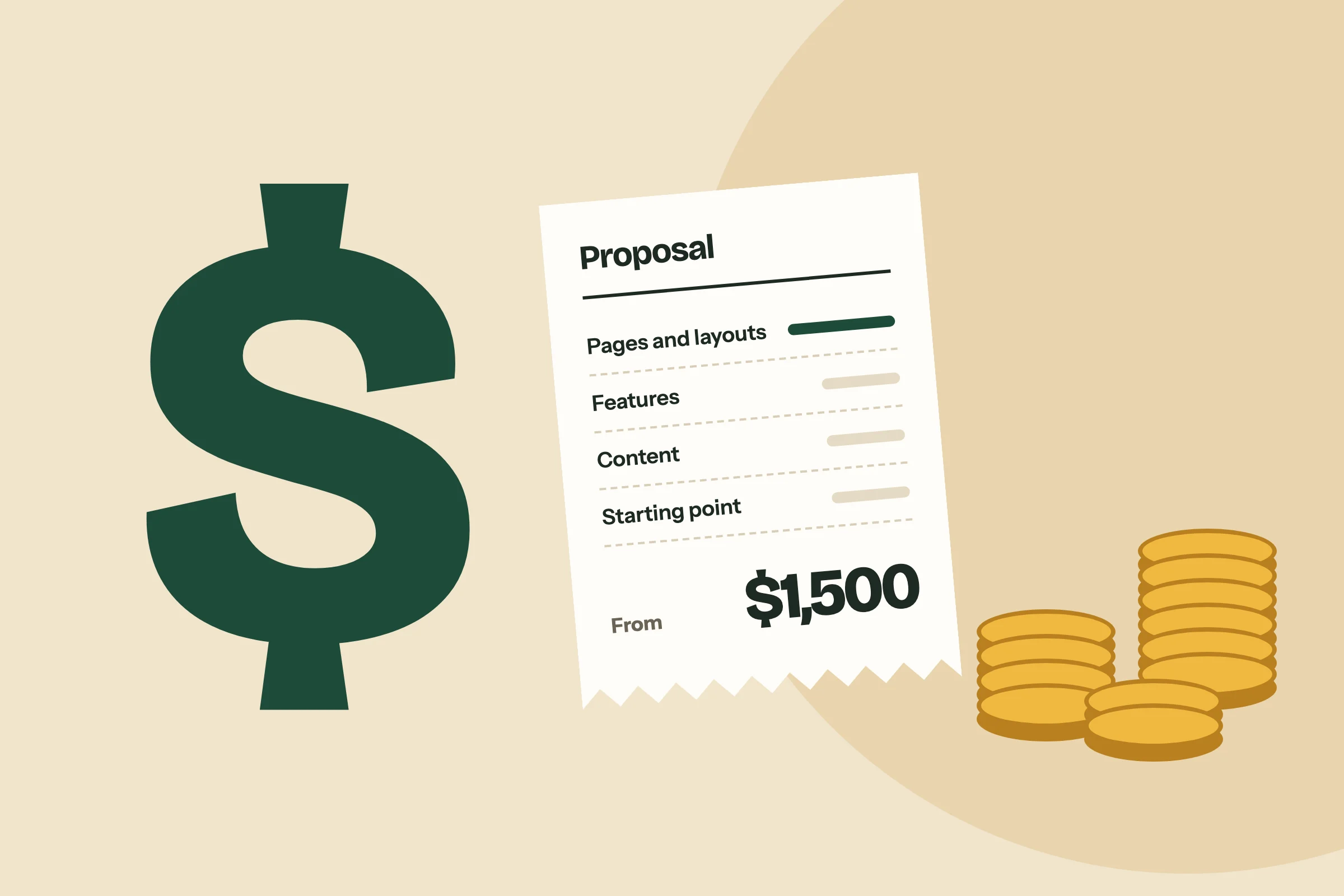
With the pages and features listed, a price can be estimated, by you and by whoever builds the website. With us, a website of up to 6 pages starts at $1,500 and one of up to 15 pages at $3,500. Add the yearly costs: a domain name and hosting, or a care plan that includes hosting, updates and changes.
Register the domain name, your address on the web, early and in your own name. It should belong to the business, whoever builds the website.
Most websites take 6 to 8 weeks once your content is ready. The chart shows how a typical eight weeks are spent.
PlanPages, content, structure
Week 1
DesignYou approve the design
Weeks 2 and 3
BuildOn WordPress
Weeks 4 to 6
TestOn a staging site
Week 7
LaunchAnd training
Week 8
If you have a date, such as an opening or a trade fair, count back eight weeks from it. Then add the time you need to gather the content, because the weeks start when the text and photos are ready. Waiting for content is the usual reason a website is late.
7. Decide who does what
Name one person who gathers everyone’s feedback into one list and approves the work. Five people sending five emails with different wishes will slow any project, and no design satisfies all five.
Decide the rest in the same sitting: who writes the text, who supplies the photos, who holds the login of the domain account, and who answers questions during the build. Decide also who looks after the website after launch. You can install updates and make backups yourself, or hand that to a care plan.
Ask your designer where your approvals fall. In our projects you approve the design before we build, and you test the build on a staging site, a private copy of the website, before it goes live. Two rounds of design changes are included.
Put the plan on one page
The seven steps become a brief: one or two pages that tell a designer or an agency what you need. A brief does not have to be polished. It has to be complete.
A website brief states
- The one job of the website
- The visitors and their questions
- The pages, as a list
- Who supplies the text and photos
- The features, at launch and later
- The budget you have in mind
- The launch date, if there is one
- The person who approves
A brief changes the answers you get. Without one, each company guesses at the scope and their prices cannot be compared. With one, every proposal is for the same website. A brief helps just as much if you build the website yourself on a website builder, because the plan is the same.
Five mistakes a plan prevents
- Starting with the design. Colors and templates are chosen before anyone knows what the pages must say.
- Too many pages. Ten thin pages are weaker than five that each answer a question fully.
- Writing about the business, not for the visitor. The visitor came with a question. Answer it first, and tell your story second.
- Pages with no next step. A page that ends without a button ends the visit.
- Features nobody asked for. Each one costs money to build and time to maintain.
After the plan, build it or have it built
With the plan written, the choice of who builds the website is easier. If the plan has a few pages, no special features and a budget under $1,500, a website builder and your own time are enough. If the website is how customers will find and judge the business, or it must do something a template cannot, have it designed and built.
Every project of ours begins with this plan: a page plan for each page, before design starts. Our WordPress web design page shows how the rest of a project runs.
Questions about how to plan a website
Plan a website by deciding seven things before design starts: its one job, its visitors and their questions, its pages, what each page says, the features it needs, the budget and timeline, and who approves the work. Write them down as a brief of one or two pages and give it to whoever builds the website.
A small business website usually needs about five kinds of page: a homepage, a page for each service or group of products, an about page, a contact page, and articles if you will write them. Add a page only when it answers a question your visitors ask.
A sitemap is the list of a website’s pages and how they connect, usually drawn as a tree with the homepage at the top. It is made before the design, so that everyone agrees which pages exist and what each one is for. Search engines read a sitemap too, as a file that most website systems produce by themselves.
Yes. Write the text before the design, even as a rough draft, because a design is made to fit its content. A design made around placeholder text has to be changed when the real text arrives. Ready content also keeps the project on time: most websites take 6 to 8 weeks once the content is ready.
A plan for a small website can be written in a few days, once you know the questions your customers ask. In a typical project of ours, planning the pages, the content and the structure takes the first week of eight.
A website brief is a short document that tells a designer or an agency what you need. It states the website’s job, the visitors, the pages, who supplies the content, the features, the budget, the launch date and the person who approves. With a brief, the proposals you receive describe the same work and can be compared.
No, the work can start without one, but register your domain name early and in your own name. A domain name is your address on the web, such as yourbusiness.com, and it should belong to the business, whoever builds the website.
Published . Last updated . Filed under Websites.